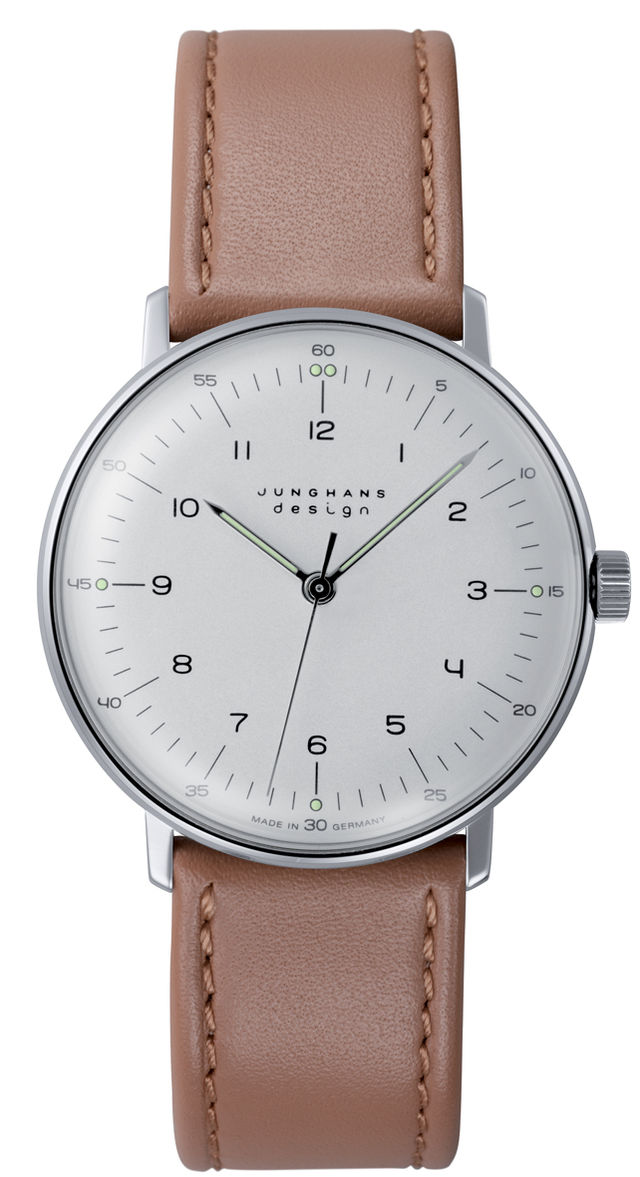
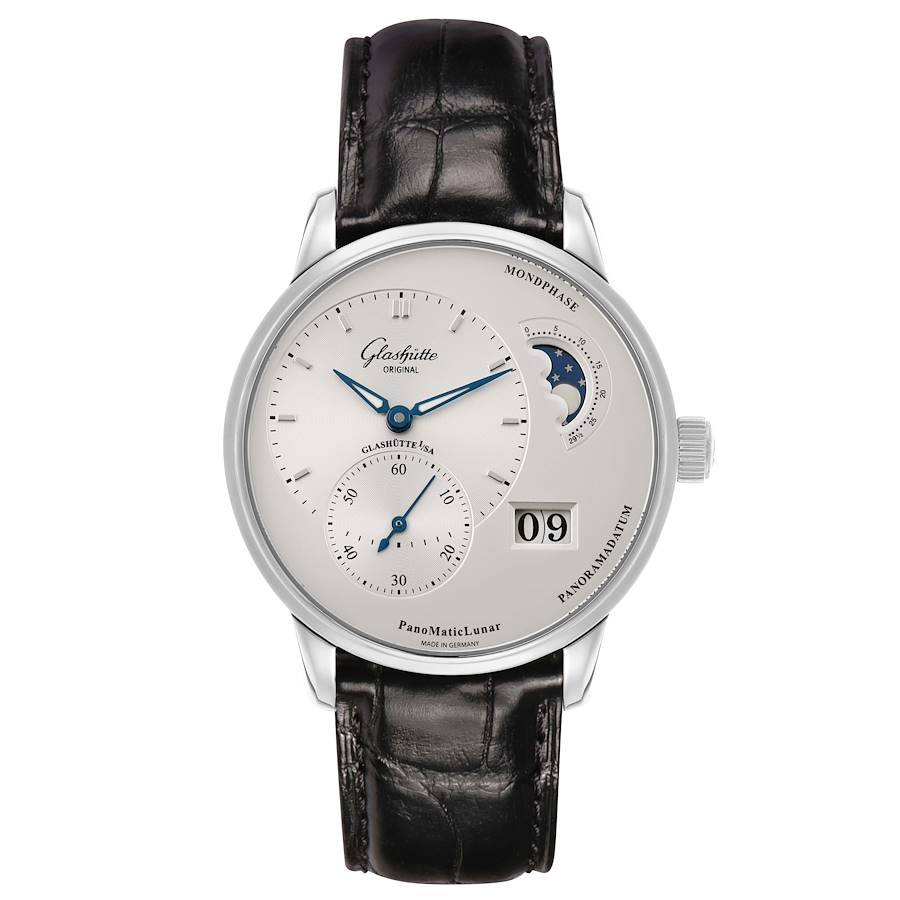
Add millimeter-accurate virtual try-on to every watch product page with a single <script> tag. Shoppers calibrate their screen once, then try on every watch in your catalog — instantly, in their browser, on their own wrist.
Available on Shopify today; other platforms are next.
No iframe. No auth. No third-party cookies.
Everything below is actual Virtual Try-On running in your browser right now — the exact same code a retailer would ship.
Every detail engineered so shoppers trust what they see — and buy with confidence.
Every catalog image is cleanly cut out automatically — no manual masking, no photo-studio requirements.
Shoppers calibrate their screen in one quick step. Their pixel density is measured exactly, once.
Shoppers try it on right in the browser — no account to create, nothing to download, nothing to slow them down.
Shopify, custom-built, or anything in between — it just works.
Two data attributes control every visual aspect — no CSS overrides, no configuration panel needed.
Works out of the box. No theming attributes required.
Pass any hex value — button and modal accents update automatically.
Transparent background, colored border — works on any card background.
Pick your platform to see exactly what shipping looks like.
Beta access
Shopify installs are open to invited design partners while the app finishes App Store review. Tell us about your store on Get started and we'll send you an install link.
An OAuth install from a link we send you — we're onboarding design partners by invite while the app finishes App Store review. No developer or code needed.
We pull your product images, segment every watch, and write case widths back as product metafields.
Drop "Watch Try-On" into your product template from the theme editor. No code, no script tag to paste.
Prefer editing theme code directly? The app exposes the same <script> tag, driven by the metafields it writes for you — inside your Shopify theme, where the app manages it.
Not open yet
Shopify is the only install we run today. This is what the standalone path will look like when it opens — tell us your platform on Get started and you'll be first in line.
Upload your watch images to the Batch API. It returns pre-segmented PNGs and case widths for each watch.
Save the segmented_image_url and case_width_mm alongside each product in your CMS or database.
Add one <script> tag per product page, populated from your stored values. You're done.
Option A — API key mode (recommended)
<!-- Minimal — just your SKU. No image URLs in your template. --> <script src="https://yourdomain.com/js/embed.js" data-api-key="sk_live_YOUR_KEY" data-product-id="{{ product.sku }}" ></script>
Watch data is fetched from the catalog at try-on time using your SKU. Update images or measurements server-side without redeploying your pages.
Option B — Inline mode
<!-- All data passed inline from your CMS --> <script src="https://yourdomain.com/js/embed.js" data-segmented-image-url="{{ product.segmented_url }}" data-case-width-mm="{{ product.case_width_mm }}" data-case-width-px="{{ product.case_width_px }}" data-image-width-px="{{ product.image_width_px }}" ></script>
We get your catalog try-on ready and you drop the embed into your product pages — live this week.
Multi-brand retailer with an established catalog? Ask about our design-partner pilot — a 60-day paid pilot on 5 SKUs, credited to your first year if it's a fit.